What documents can MyRoster read?
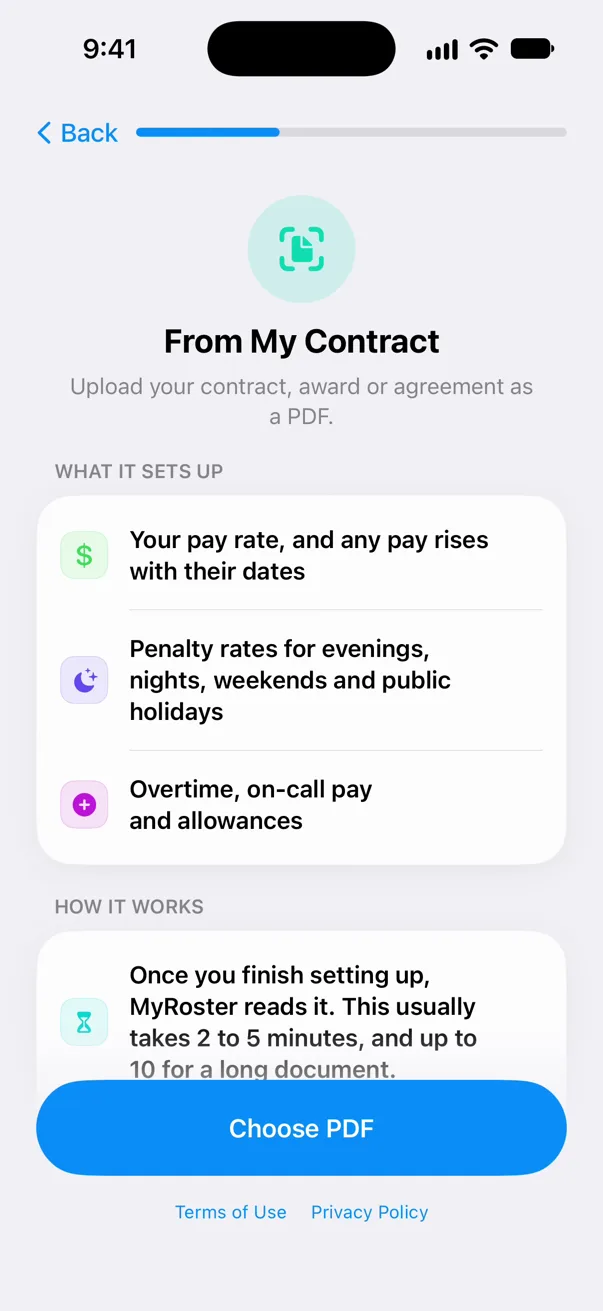
An employment contract, an award or an enterprise agreement (EA or EBA) that sets out your pay. It needs to be an English PDF of up to 600 pages. Typed documents work best; photos or scans may not read well, and locked or unreadable files are refused.
What does it set up from my document?
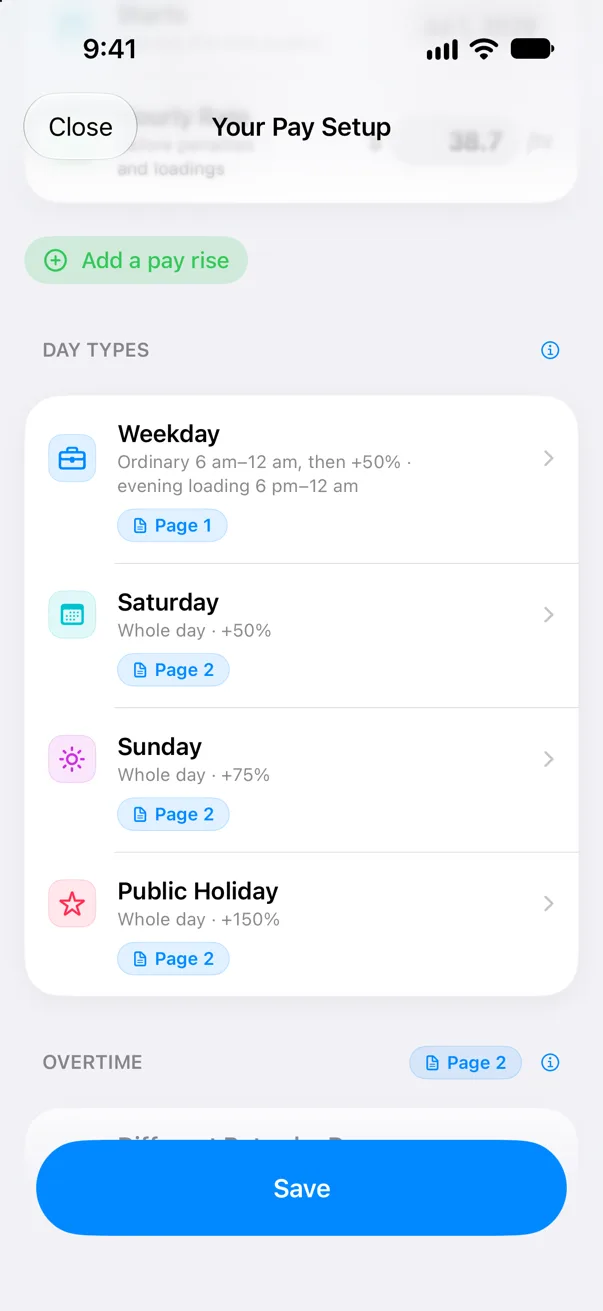
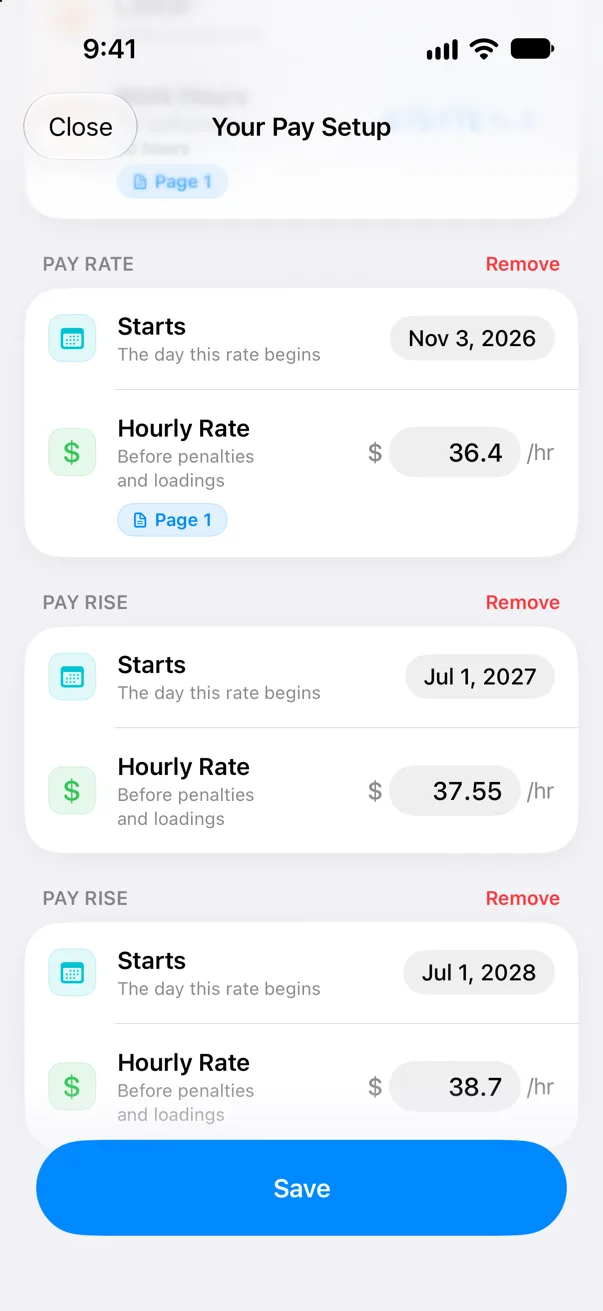
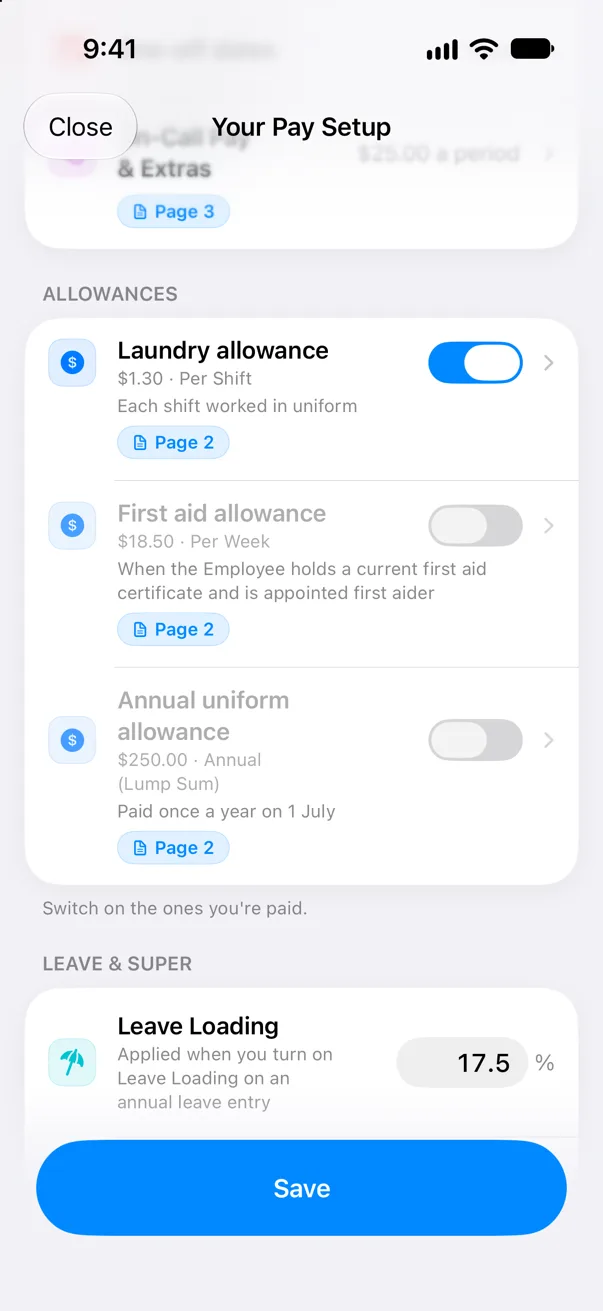
Your pay rate and any pay rises with their start dates, penalty rates by day type (weekday, Saturday, Sunday and public holiday), overtime, on-call pay and allowances, plus your leave loading and employer super under Leave & Super.
How long does it take?
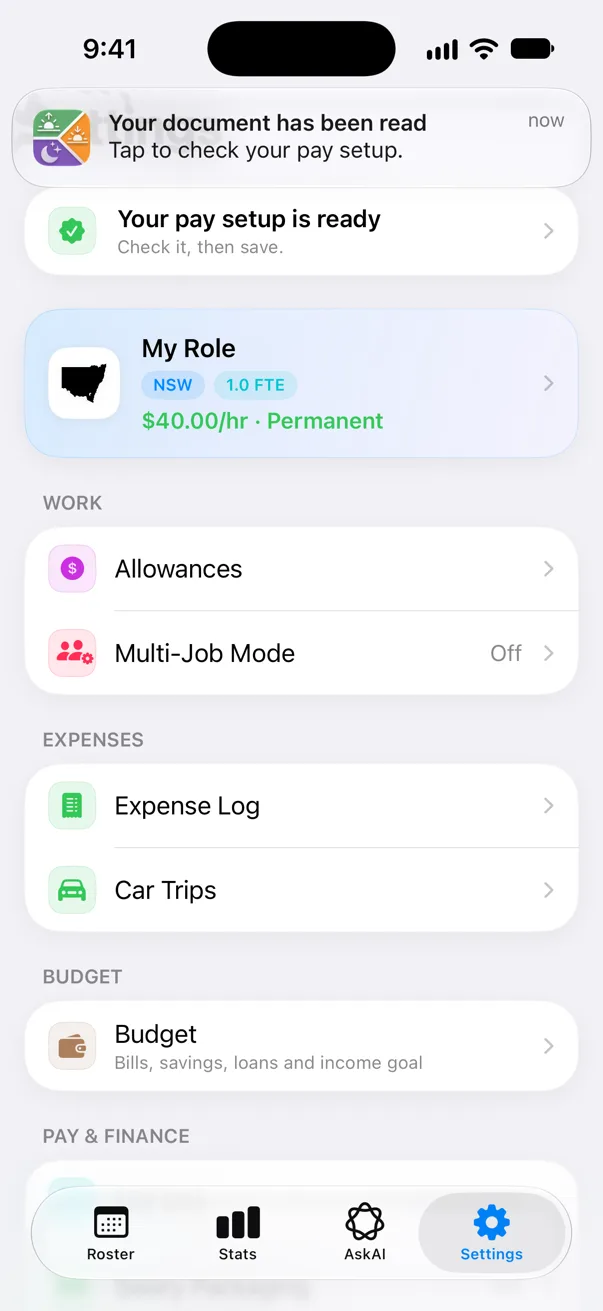
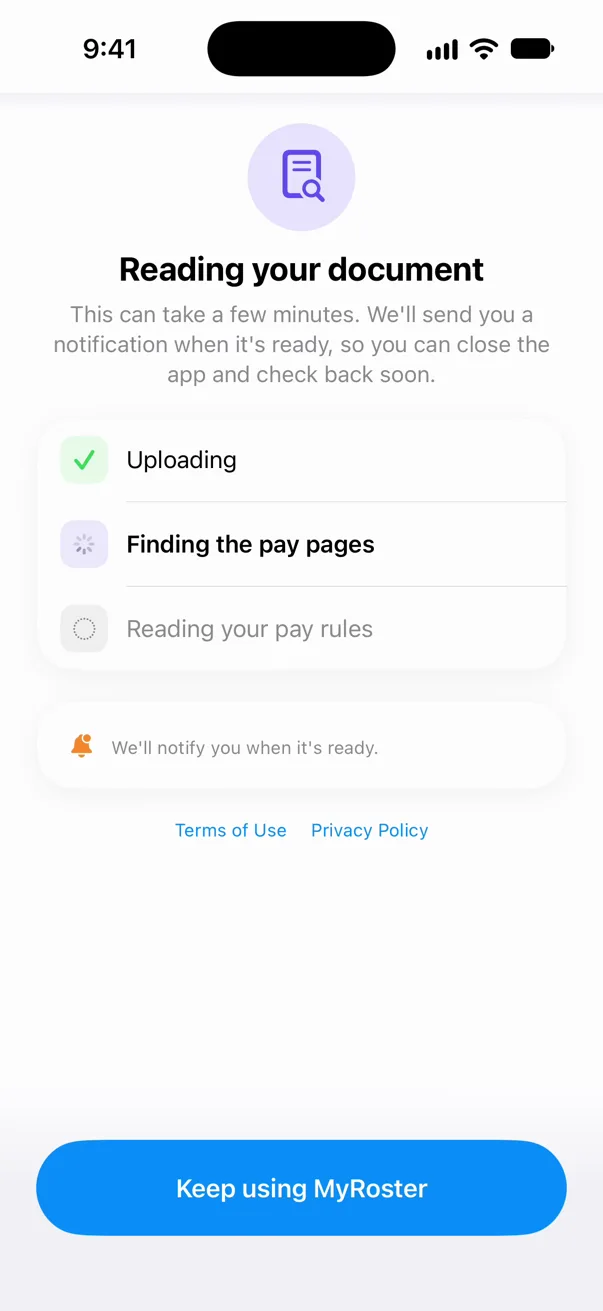
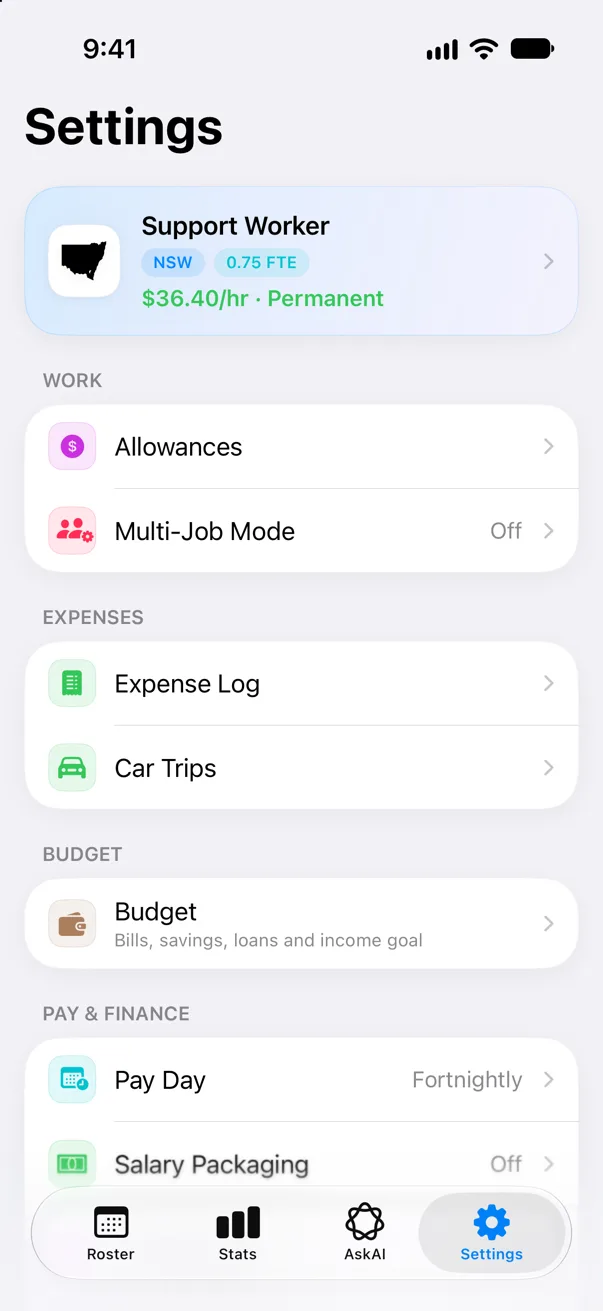
It can take a few minutes. You don’t have to wait on the screen: a row at the top of Settings shows how it’s going, and you get a notification when your pay setup is ready. If it takes longer than five minutes, the reading screen offers Set up by hand and Email us.
Will it get my pay right?
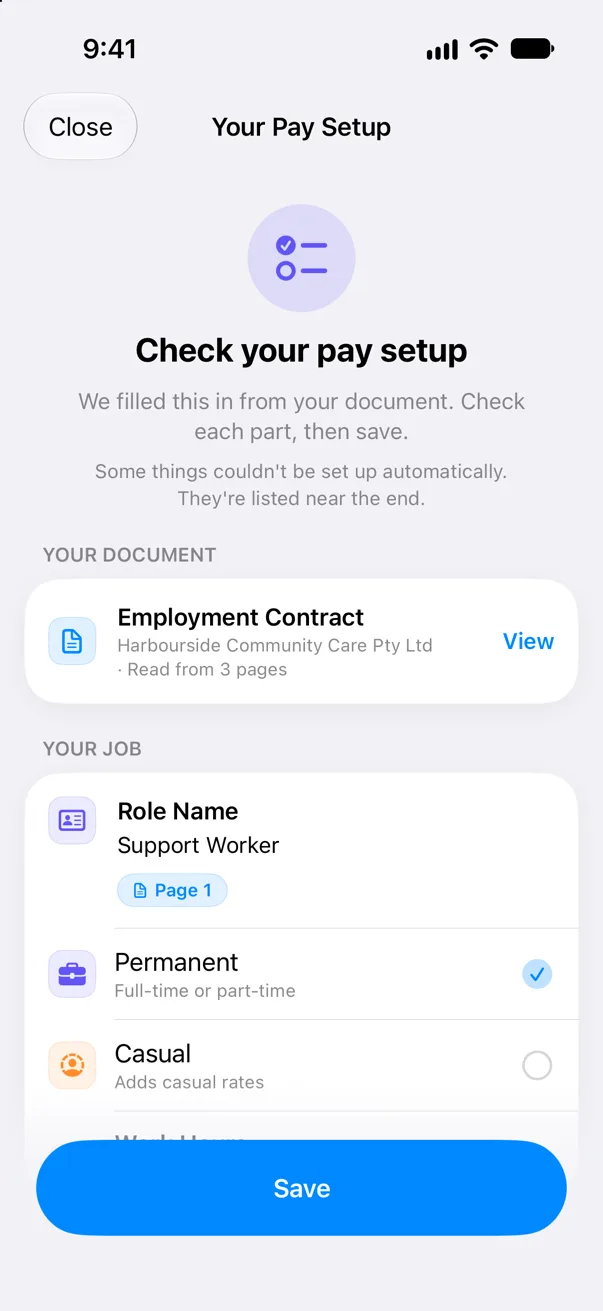
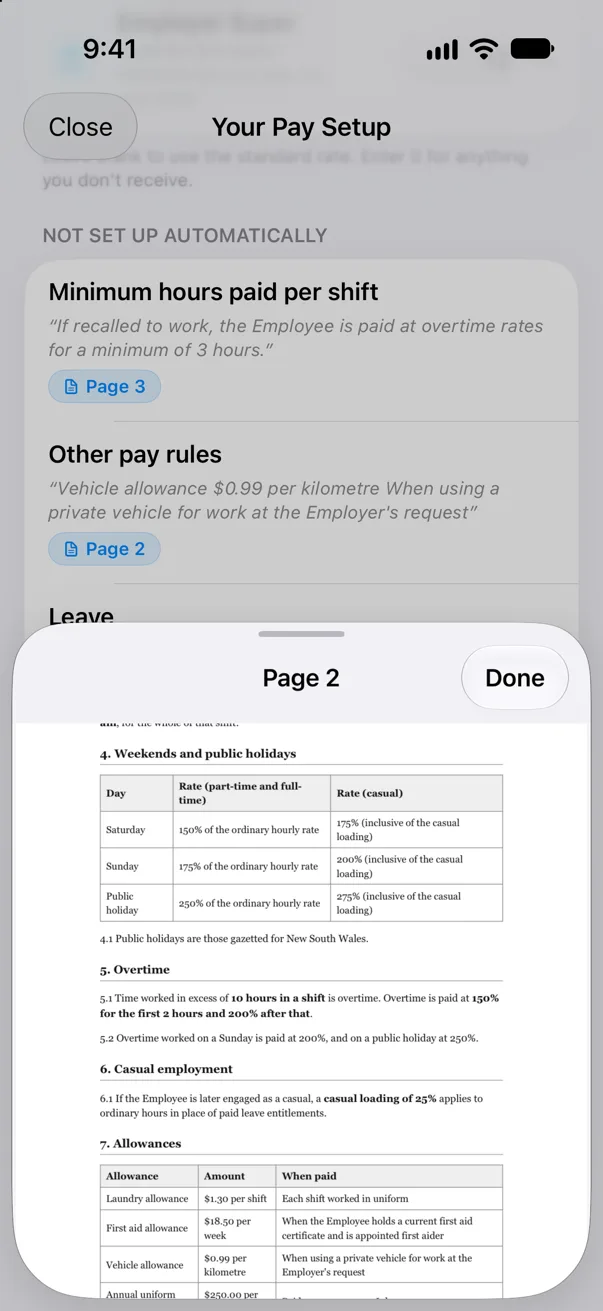
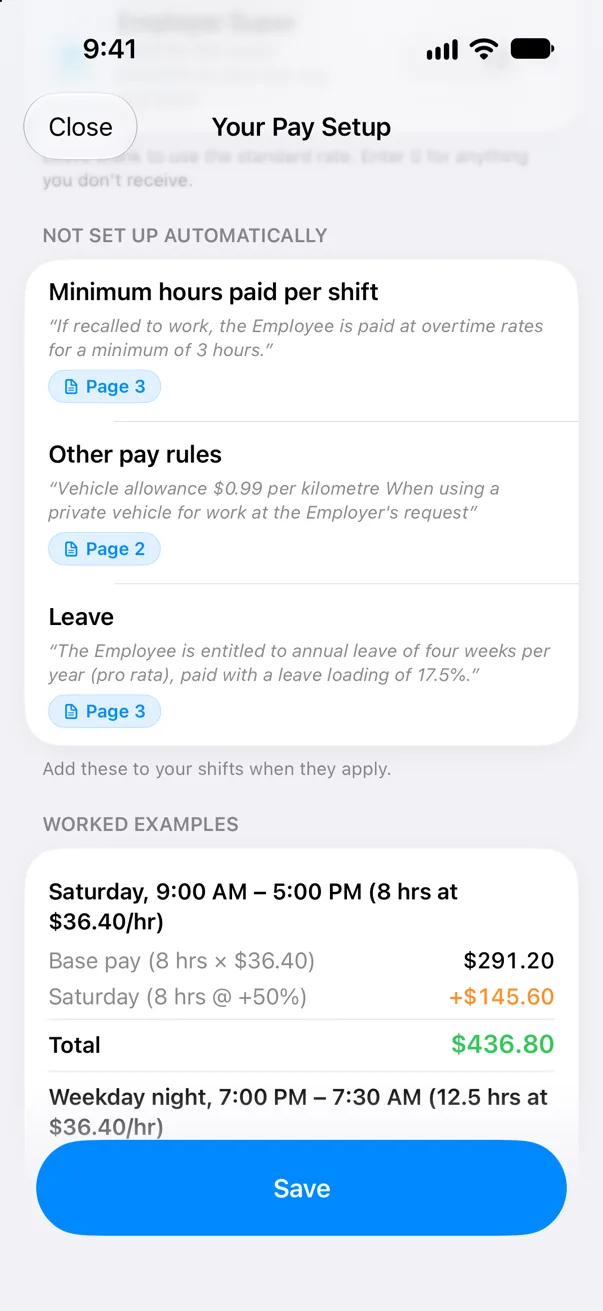
It’s a starting point, not a guarantee, so always check it against your document. Every item it found is shown on Your Pay Setup with the page it came from (tap the page number to open that page), Check These flags anything to look at first, and anything it couldn’t set up is listed under Not Set Up Automatically. Change whatever is wrong. Nothing changes until you tap Save.
My award is already built into MyRoster. Should I upload it?
You can, but you don’t need to. If your document is an award or agreement MyRoster already has built in, you’re offered the built-in setup instead, with the option to read it anyway or set up by hand.
I work for a private employer, or outside Australia. Will it work for me?
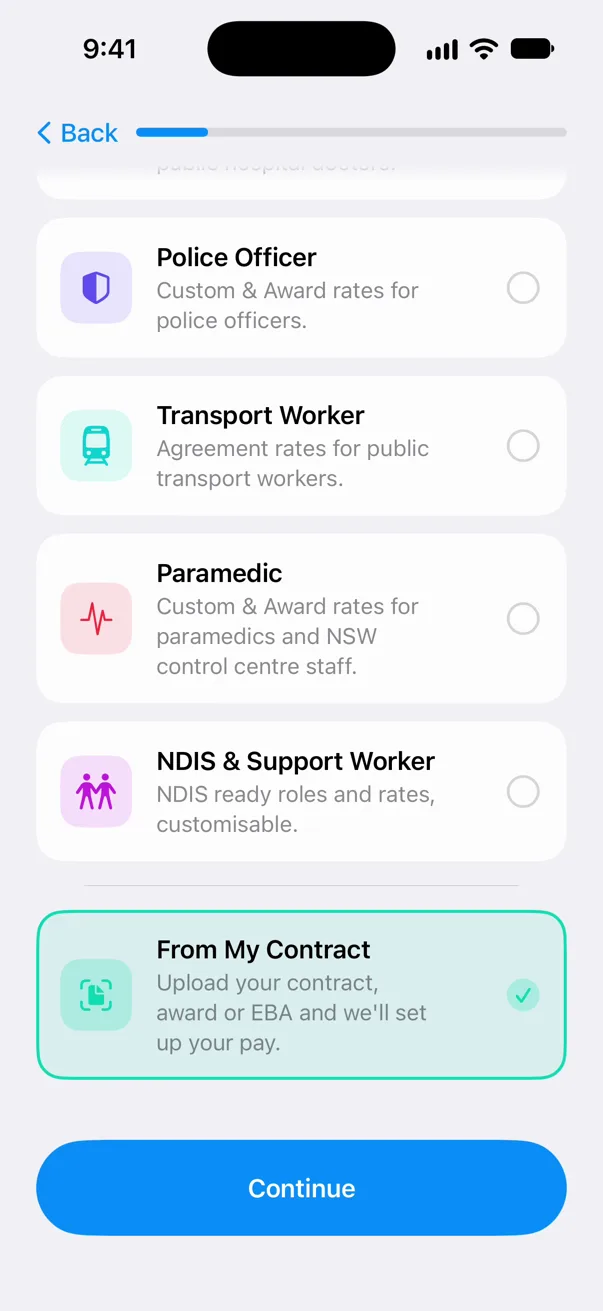
That’s who it’s for. MyRoster’s built-in rates cover Australia, New Zealand and the UK’s NHS, plus nurses in every Canadian province and territory. If your pay comes from a private employer, an individual contract or an agreement anywhere else, upload it as an English PDF and set your pay up from it.
Can I set up a second job from a contract?
Yes. Turn on Multi-Job Mode, then go to Settings › Multi-Job Mode › Manage Profiles › Set up from a contract or agreement. You can also switch your current job over with Change Job.
Can I come back to it later, or change it after saving?
Yes. Not ready to save? Tap Close, then Keep for Later, and pick it up from the row at the top of Settings. After saving, change your pay rules any time in Settings › Work Profile › Custom Pay Rules.
What happens if it can’t read my document?
You can try again, choose another file, set up by hand or email us. A file that can’t be read doesn’t count toward your reads.
Is it on Android?
Setting up from a document is on iPhone now and coming soon to Android. The rest of MyRoster is on both.
What happens to my document?
MyRoster only reads the document you choose, to set up your pay. It’s stored securely, it’s never used to train AI, and you can email us any time to have it removed. The Privacy Policy has the full details.